
WordPress Two-Factor onboarding

Two-Factor Onboarding
We created the two-factor onboarding to create a user-friendly way for people to set up two-factor on their accounts when they log in. After you enable two-factor authentication, every user will be guided through the onboarding process. You can disable two-factor onboarding for specific user groups in the two-factor settings.
Alright, let’s walk through the logging-in and the two-factor onboarding process step by step.
Just like normal, the first thing you will see is the login form. Enter your credentials and click the Log In button.
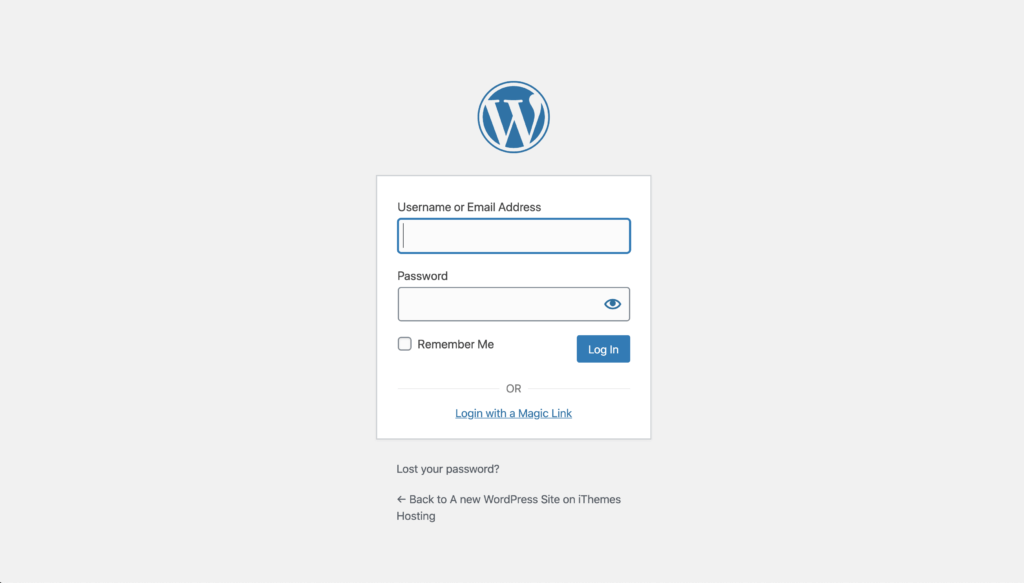
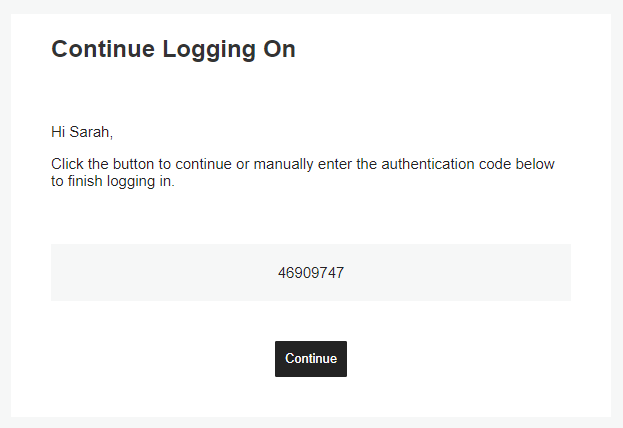
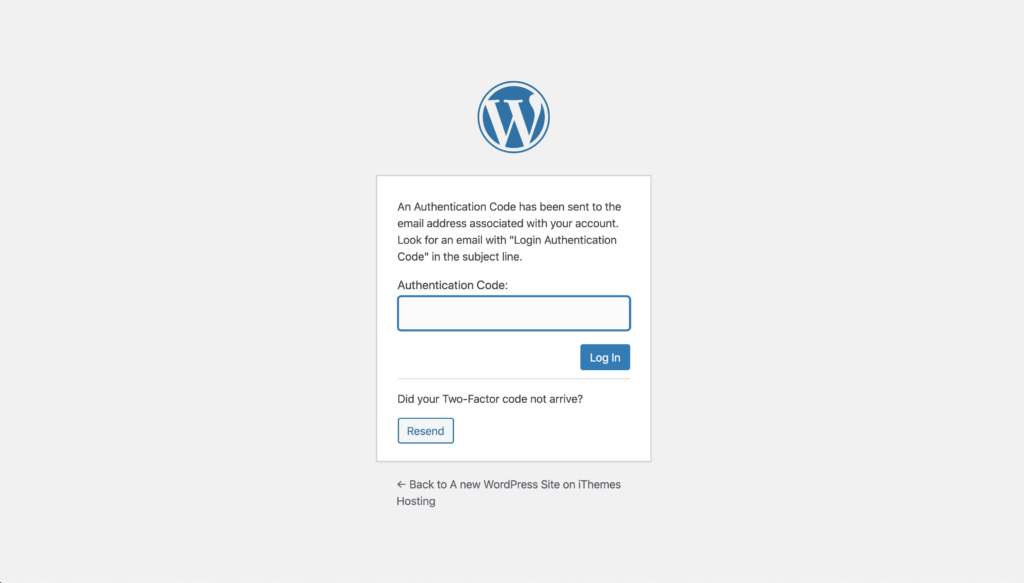
If you follow our recommendations and enable the force 2fa requirements for privileged users, the next thing you will see is a place to enter the two-factor token sent to your email address. Open the email, copy and paste the token, and then click the Log In button.
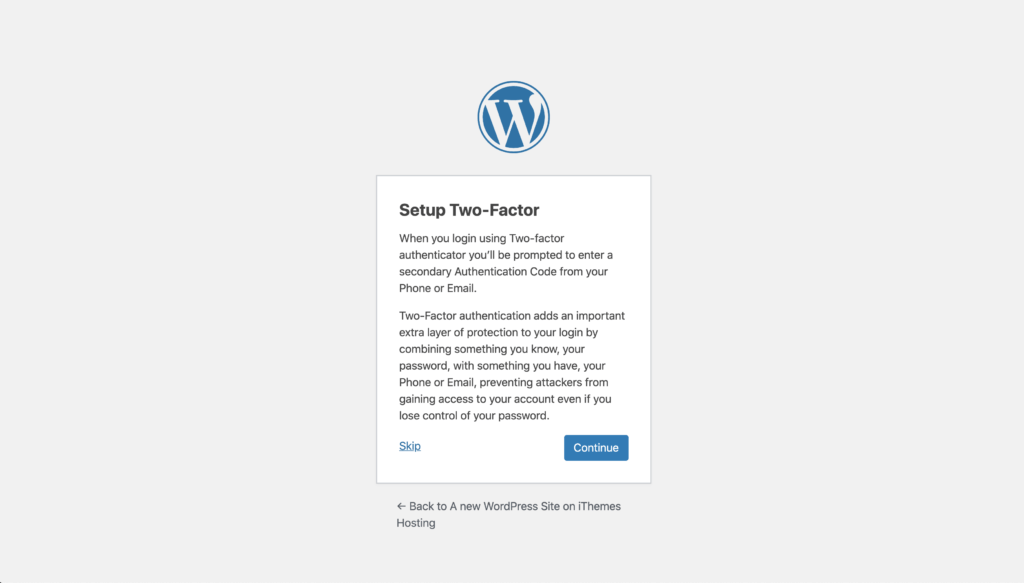
On the next screen, you will be presented with the onboarding welcome text. Keep in mind that you can customize this in your two-factor settings. Click the Continue button to move on to the next step.
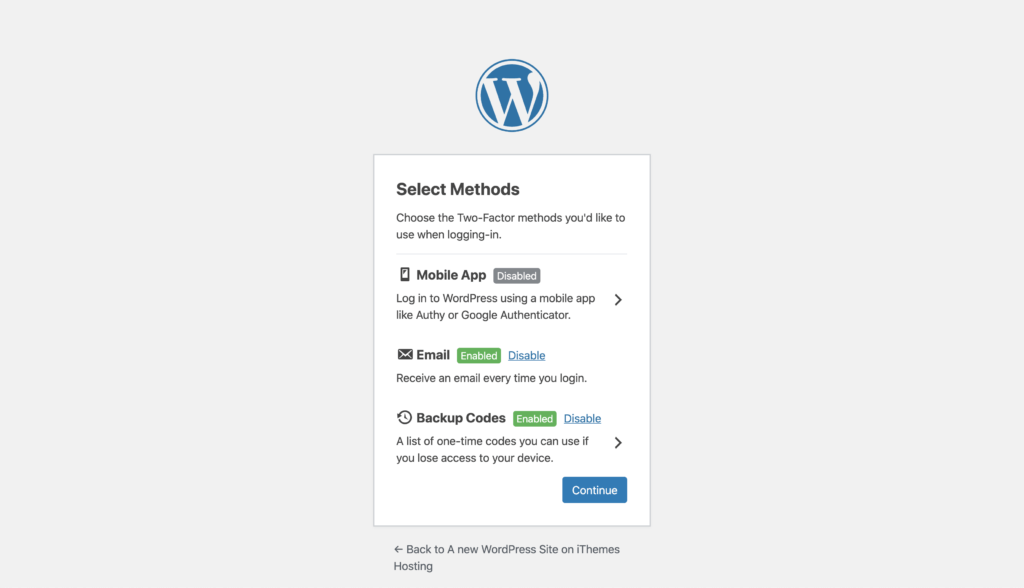
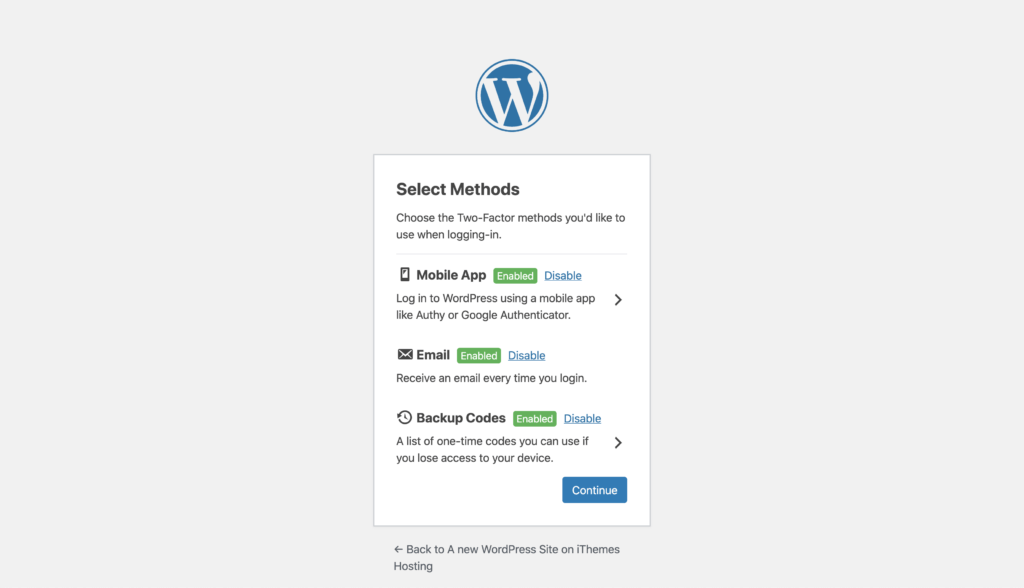
The next step is to select which two-factor methods you want to enable for your account. Click on the Backup Codes arrow to generate a list of backup codes to use if your primary method of authentication fails.
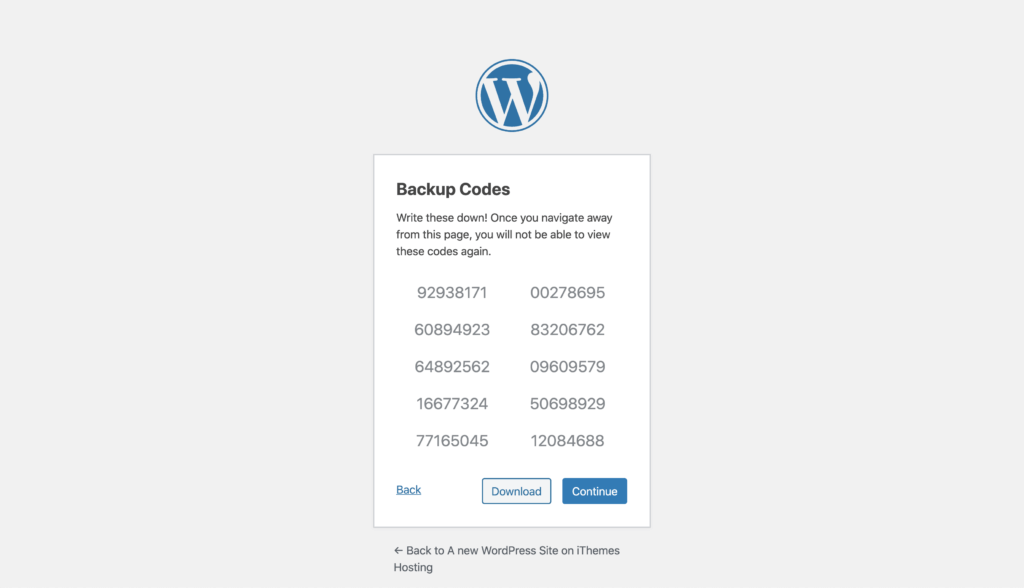
Now click the Download button to download a text file of your backup codes. Be sure to store these codes somewhere safe.
Now click the Back link to return to the previous screen. Now, let’s click on the Mobile App arrow to enable and configure this method of authentication for our user.
Now, choose your mobile OS and then open your mobile two-factor app on your phone.
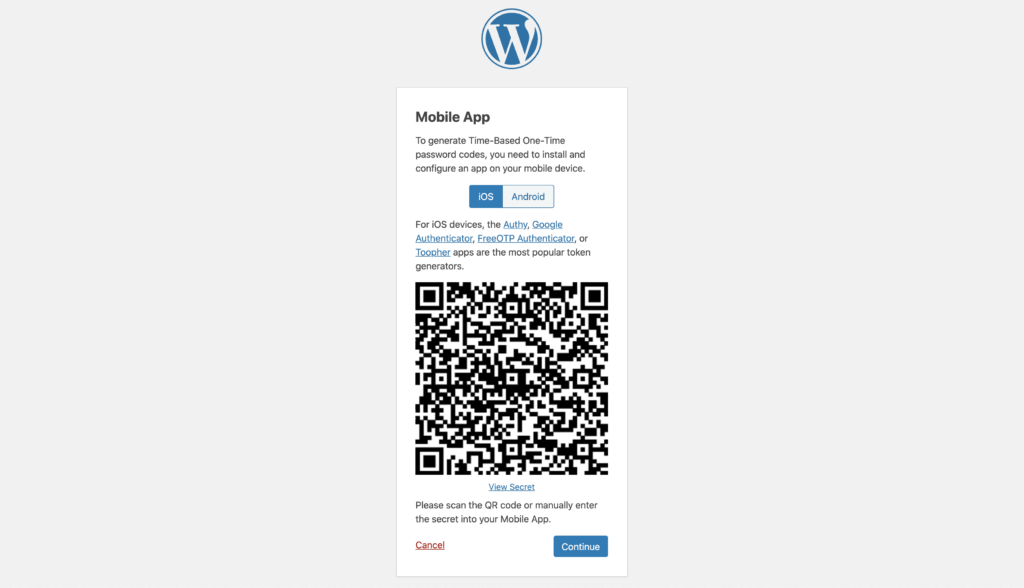
From your phone, scan the QR code to continue to link the secret to your mobile app.
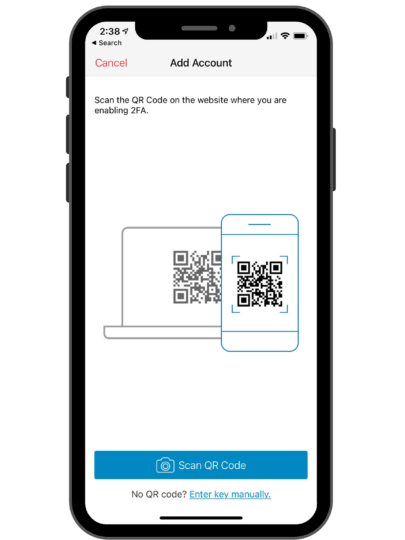
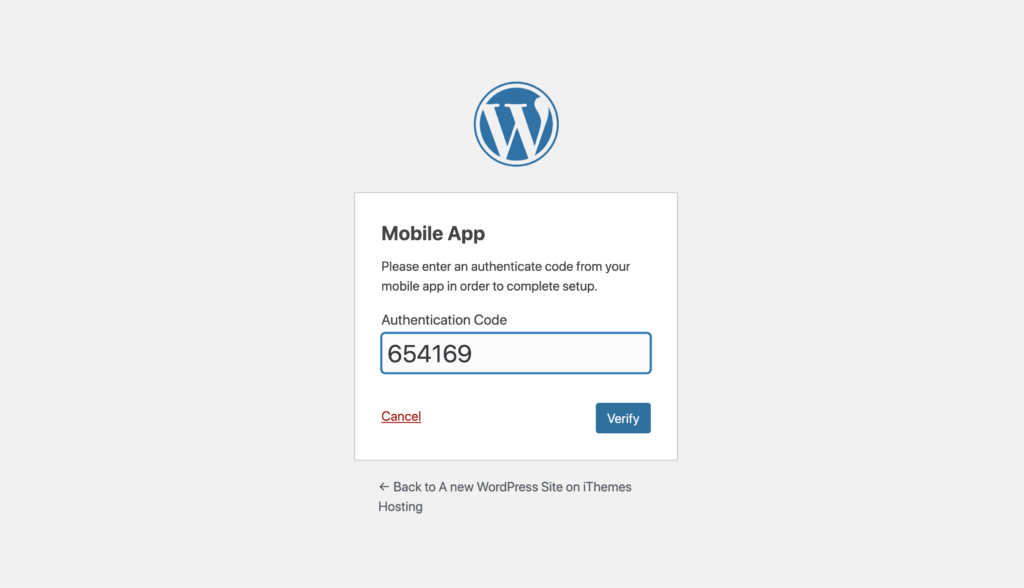
Now enter the 6-digit code from your phone into your web browser and click Verify to finish the mobile app setup.
Alight, now that you have two-factor all setup, click the Continue button to finish logging into your WordPress dashboard.
Wrapping Up
To sum up, there is nothing as easy and secure as adding two-factor authentication to your WordPress login. If you aren’t currently using two-factor, add it to your website now and start protecting yourself against automated attacks.